
Tested on your inputs
Real documents, records and edge cases, not sample data.
AI & Workflow Transformation
AI workflow automation designed around the way your business actually operates, used only where it offers a practical advantage and can be evaluated against real inputs.
AI beyond chatbots
Repetitive work and disconnected handoffs consume hours the team cannot get back. We map one workflow, find the steps AI can do reliably against real inputs, and design the review points where a person must stay accountable.




Automation opportunities
The workflow that annoys people most is not always the one worth automating first. Check it against four questions before anyone writes code.

Forty times a day is a candidate. Twice a quarter usually is not.
Two or three exception paths can be handled. Fifteen means the decision was never defined.
High stakes? Automate the preparation and keep the decision with a person.
The hard part is reaching the systems. A legacy system with no interface is a different project.
What we build
Invoices, forms, contracts and emails: scanned, mixed-format, out of order. Extraction and classification are tested on your documents, with a defined path for anything the model is unsure about.
Document extraction and classificationEvaluation and guardrailsHuman-in-the-loop review flows
Retrieval-based assistants and human-in-the-loop agents that gather context and draft responses, citing the source on every answer so a person can check it.
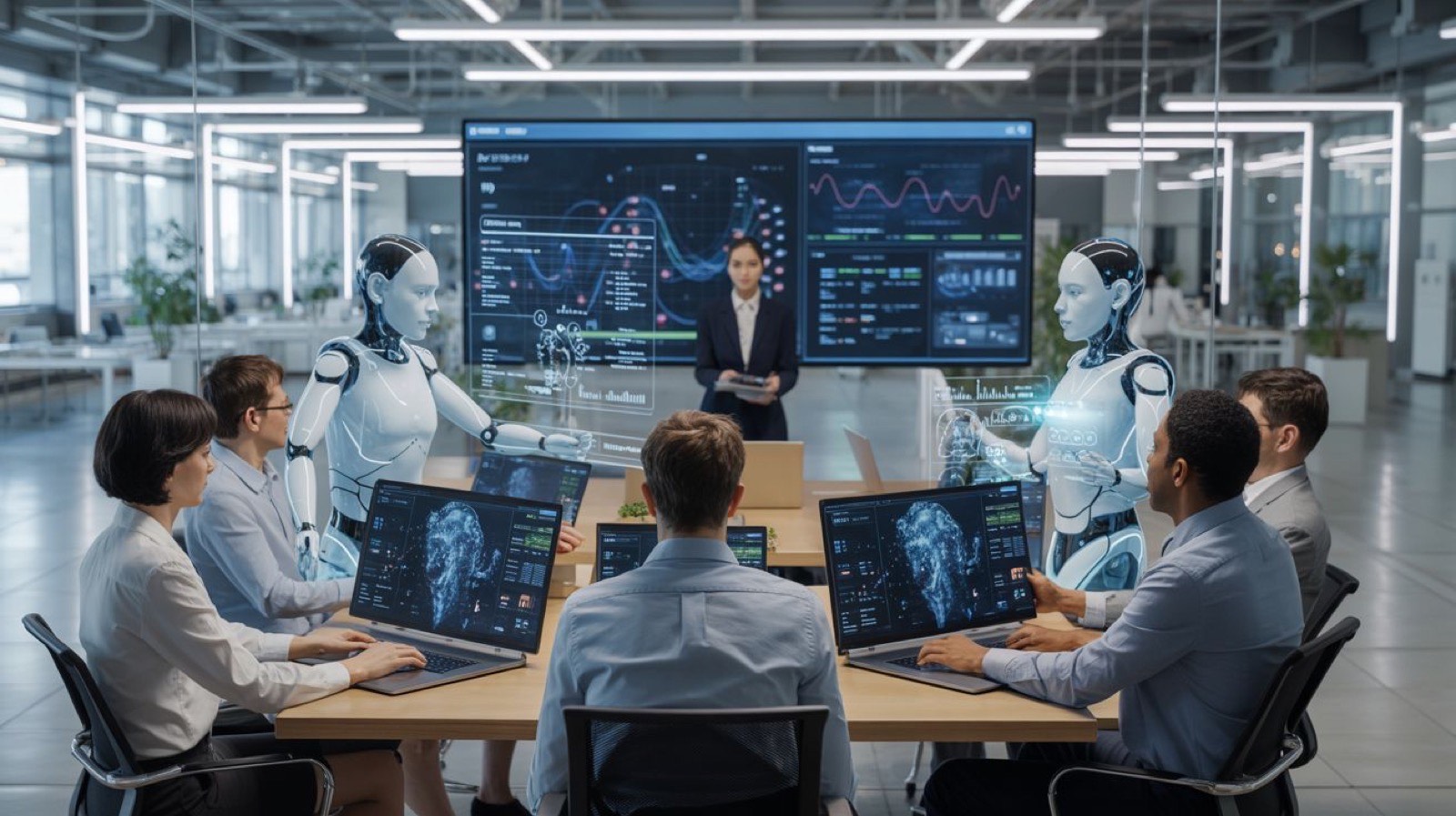
CRM automation, lead qualification and follow-up, customer service workflows, approval and reporting automation, and business-system integrations, so data moves without re-entry.
Lead and Follow-Up Automation
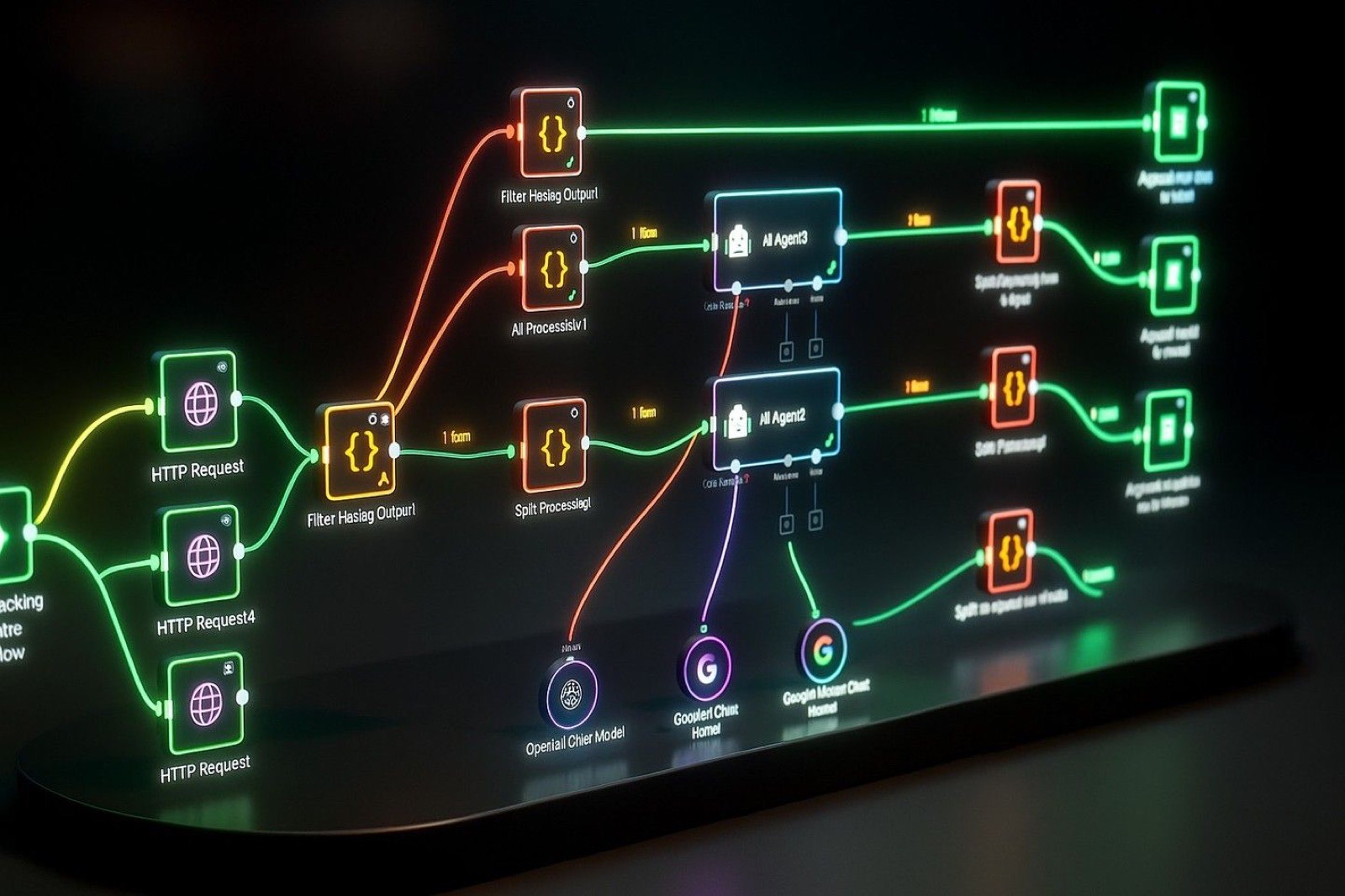
Monetiq: an AI solution built around an OCR document workflow. The full case study is being prepared.
See Monetiq
Human review and control
Real documents, records and edge cases, not sample data.
Confidence thresholds route uncertain or high-impact cases to a person who is accountable for approving them.
Every question, source and action is logged.
Monitoring, fallback behaviour and runbooks your team can operate.
A demonstration answers every question. A production system must be able to decline.
What production readiness meansIndustries
Example workflows. Not client claims.
Intake documents in many formats, referral routing and records that live in too many places.
Learn moreEnquiries from many sources and follow-up that depends on memory.
Learn moreExceptions handled by inbox and reporting rebuilt by hand.
Learn moreReports rebuilt every period and reconciliation across systems.
Learn moreQuestions
Anything else, ask us directly. Enquiries are usually answered within one working day.
AI workflow automation combines software integrations, business rules and AI models to complete or assist operational tasks. A production workflow also needs evaluation, exception handling, monitoring and clear human ownership.
Potentially, yes. Feasibility depends on the system's APIs, access model, data quality and vendor limitations. These constraints are assessed before implementation is committed.
We use representative test sets, measurable evaluation criteria, confidence thresholds, constrained outputs, source references where appropriate and human review for uncertain or consequential cases.
Confidentiality terms are agreed in writing before any document sample is shared. We request the narrowest access the work needs, and credentials live in a managed secret store and are rotated when the engagement ends.
If software is not the right answer, we will say so before any engagement begins.
Discuss your project Usually answered within one working day.