
01
Agents
The people who answer enquiries from listing sites, web forms, email and calls, and keep leads warm.
- Single intake path: every enquiry source lands in one place.
- Follow-up: scheduled with an owner, not left to memory.
Industries: Real Estate
Property platforms, CRM follow-up, client portals and document-heavy transactions. These are workflows we can build for real estate teams, from the first enquiry to the signed paperwork.
Industry challenges
Enquiries, follow-ups and transaction documents tend to live in different tools. These are the patterns we look for first.
Listing sites, web forms, email and calls each start a lead in a different place.
Leads cool while someone remembers to chase them.
Offers, agreements and supporting documents move by email with no single current version.
Status updates are assembled by hand, so clients call or email to ask.



Who this is for
The same problems, grouped by the people who feel them. We describe roles, not clients.

The people who answer enquiries from listing sites, web forms, email and calls, and keep leads warm.
The people who move offers, agreements and supporting documents between every party in a deal.
The people who handle requests and bookings for properties that are already let or sold.
The people who need to see status, ownership and exceptions across every agent and transaction.
What we can build
Pick the part of the operation that costs the most time. Each option maps to one of our services.
Web applications for listings, bookings and property data, designed for the people who will use them daily and built for production.
Typical builds
Web applicationsMulti-tenant platformsAPI developmentThird-party integrations
Product & Cloud Engineering
CRM record creation and enrichment without duplicate entry, with qualification rules and follow-up that has an owner.
Typical builds
CRM automationLead qualification and follow-upLightweight CRM systemsBusiness-system integrations
AI & Workflow Transformation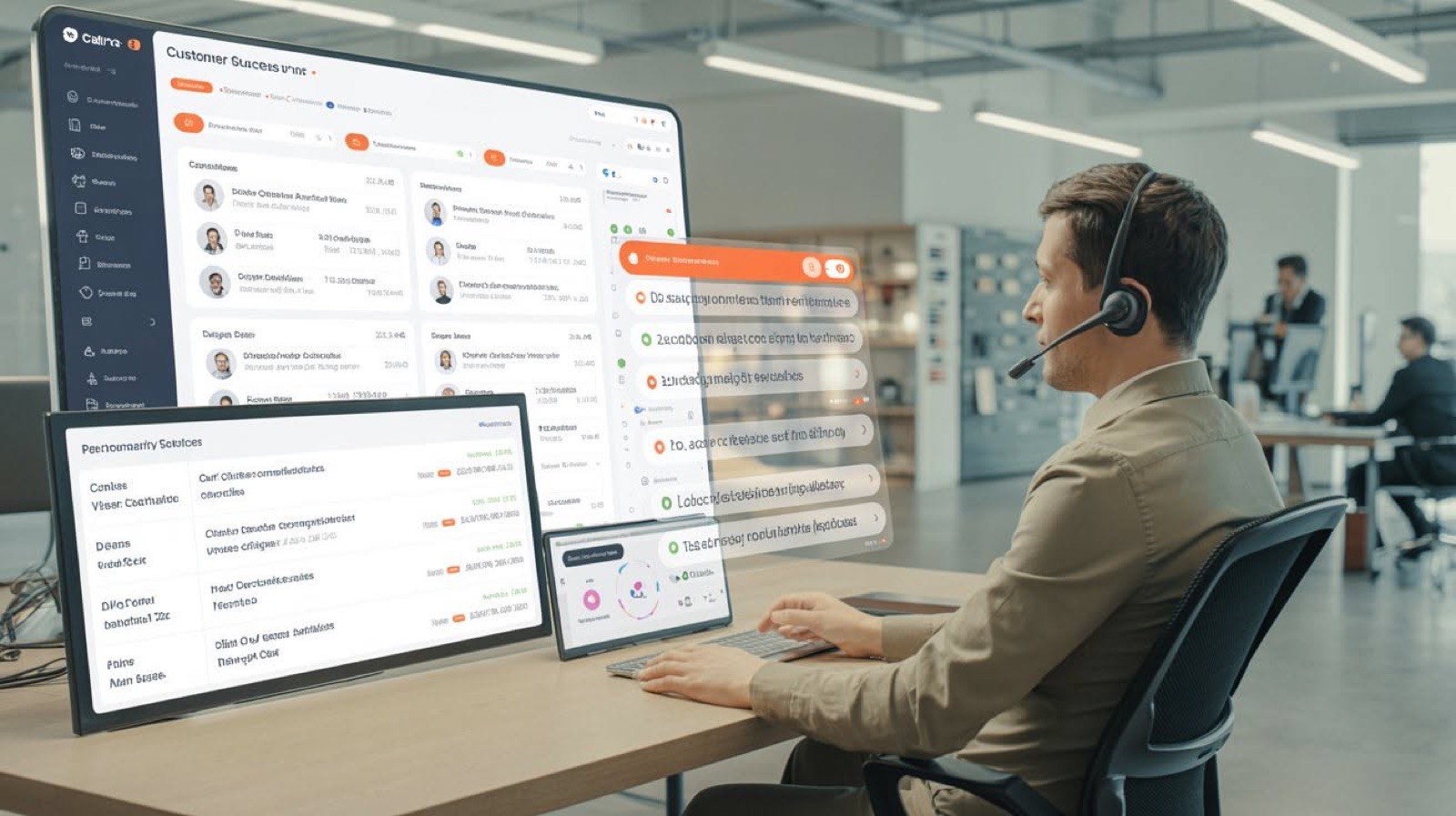
An authenticated client workspace with request submission, document exchange and status updates in one place.
Typical builds
Customer portalsPartner and vendor portalsBooking platformsAdmin platforms
Custom Business Platforms
Visibility into status, ownership and exceptions, from dashboards that read the data instead of a spreadsheet rebuilt each week.
Typical builds
Operations dashboardsReporting applicationsWorkflow management platformsApproval systems
Custom Business Platforms
Example workflows
Example workflows. Not client claims. Each one is a starting shape, adjusted to your systems and rules.
A connected workflow that captures enquiries, qualifies opportunities, updates the CRM and schedules appropriate follow-up.
Every enquiry lands in one place, is qualified and reaches the right agent with a follow-up already scheduled.
How it runs
Buyers, sellers and tenants follow their transaction and exchange documents without long email threads.
Components
How we work with your data
Confidentiality terms are agreed in writing before any workflow detail, document sample or system diagram is shared with us.
We request the narrowest access that allows the work to proceed, scoped to named environments and revoked at handover.
Architecture notes, runbooks, environment details and known limitations are written down so your team can operate the system without us.

FAQ
Anything else, ask us directly. Enquiries are usually answered within one working day.
Potentially, yes. Feasibility depends on the system's APIs, access model, data quality and vendor limitations. These constraints are assessed before implementation is committed.
Yes. The Opportunity Sprint assesses one important workflow before a larger automation investment. It typically takes 5 to 7 working days and tells you in writing whether the workflow is worth building.
We request the narrowest access that allows the work to proceed, scoped to named environments and revoked at handover. Confidentiality terms are agreed in writing before any workflow detail, document sample or system diagram is shared with us.
Your team. Architecture notes, runbooks, environment details and known limitations are written down so your team can operate the system without us.
Explain the current workflow, the people involved, the systems used and the consequence of the problem. A complete technical specification is not required.
Discuss your project Usually answered within one working day.