




Vision BridgeTechnologies Discuss your project

Industries: Healthcare

Software for healthcare intake, scheduling and records

Intake documents, referral routing, scheduling and records that live in too many places. These are workflows we can build with healthcare teams, using the same engineering we bring to every engagement.

Example workflows. Not client claims.

Industry challenges

Where healthcare operations stall

The problems below are common patterns in document-heavy, appointment-driven work. We confirm what applies to your team before anything is built.

Intake documents in many formats

Forms, referrals and attachments arrive by email, upload and scan, and someone re-keys them into the system.

Records that live in too many places

Several systems each hold part of the picture, so staff check more than one before they can act.

Scheduling that depends on chasing

Appointments, referrals and follow-ups rely on someone remembering to chase them.

Status assembled by hand

Status updates are assembled by hand for every meeting.

A receptionist at a clinic check-in desk working on a computer while a doctor hands her a folder
Clinicians reviewing patient information on a laptop and a tablet
A clinic desk with a laptop, notebook, stethoscope and phone, email and web contact blocks
  • Customer portals
  • Booking platforms
  • Request-management systems
  • Operations dashboards
  • Document processing
  • Data extraction and classification
  • Approval and reporting automation
  • Human-in-the-loop AI agents
  • Third-party integrations
  • API development
  • Monitoring and observability
  • Infrastructure as code
  • Workflow map
  • Feasibility matrix
  • Architecture diagram
  • Implementation roadmap

Who this is for

Where the work sits

The same problems, grouped by the people who feel them. We describe roles, not clients.

Clinical and administrative staff working together at a bank of monitors
01

Front desk and intake

The people who receive forms, referrals and attachments by email, upload and scan, and turn them into records.

  • Document intake: fields extracted and classified, with uncertain ones routed to a reviewer.
  • Portals: requests, bookings and documents submitted in one place.

02

Scheduling and follow-up

The people who book appointments and make sure referrals and follow-ups actually happen.

  • Follow-up scheduling: reminders with an owner and an escalation path.
03

Records and back office

The people who check more than one system before they can act on a request.

  • Integrations: connections between the systems your team already uses.
  • Staff knowledge: answers from approved procedures, with source citations.
04

Operations leads

The people who need status, ownership and exceptions without rebuilding them before every meeting.

  • Operational reporting: reports built from the systems the work already lives in.

Digital solutions

What we can build for healthcare teams

Pick the part of the operation that costs the most time. Each option maps to one of our services.

Custom Business Platforms

Patient and staff portals

Purpose-built software for workflows that spreadsheets and disconnected tools can no longer support: requests, bookings and the documents that go with them.

Typical builds

Customer portalsBooking platformsRequest-management systemsOperations dashboards

Custom Business Platforms
A doctor working on a laptop at a bright office desk

Example workflows

Two healthcare workflows we could build

Example workflows. Not client claims. Each one is a starting shape, adjusted to your systems and rules.

Where automation can take the repetitive work

Good candidates are frequent, measurable and costly enough to improve. The inputs should be accessible, the exceptions understandable and the consequences of error manageable through controls or review.

  • Intake and referral documents. Fields extracted and classified, with uncertain ones routed to a reviewer.
  • Follow-up scheduling. Reminders and follow-ups with an owner and an escalation path.
  • Staff knowledge questions. An assistant that searches approved procedures, with source citations on every answer.
  • Operational reporting. Reports built from the systems the work already lives in, not re-keyed.
Example workflow. Not a client claim.

Referral intake

A referral is read, checked and turned into a record, with a person reviewing anything the system is unsure about.

How it runs

  1. Referral arrivesemail, form or upload
  2. Extractfields and attachments
  3. Validateagainst existing records
  4. Confidence checkLow: route to a named reviewer. High: create the record.
  5. Schedulefollow-up with an owner
Example workflow. Not a client claim.

Staff knowledge assistant

Front-desk and operations staff ask questions and get answers drawn only from approved internal procedures.

How it runs

  1. Question arrivesfrom staff, in the tools they use
  2. Retrieveapproved procedures only
  3. Draftwith source citations
  4. Confidence checkLow: escalate to a named reviewer. High: answer with sources.
  5. Audit logquestion, sources, action

How we work with your data

Sensitive records need explicit rules

Confidentiality

Confidentiality terms are agreed in writing before any workflow detail, document sample or system diagram is shared with us.

Controlled system access

We request the narrowest access that allows the work to proceed, scoped to named environments and revoked at handover.

Human review for important AI decisions

Where an automated decision carries financial, legal or customer impact, the design keeps a named person accountable for approving it.

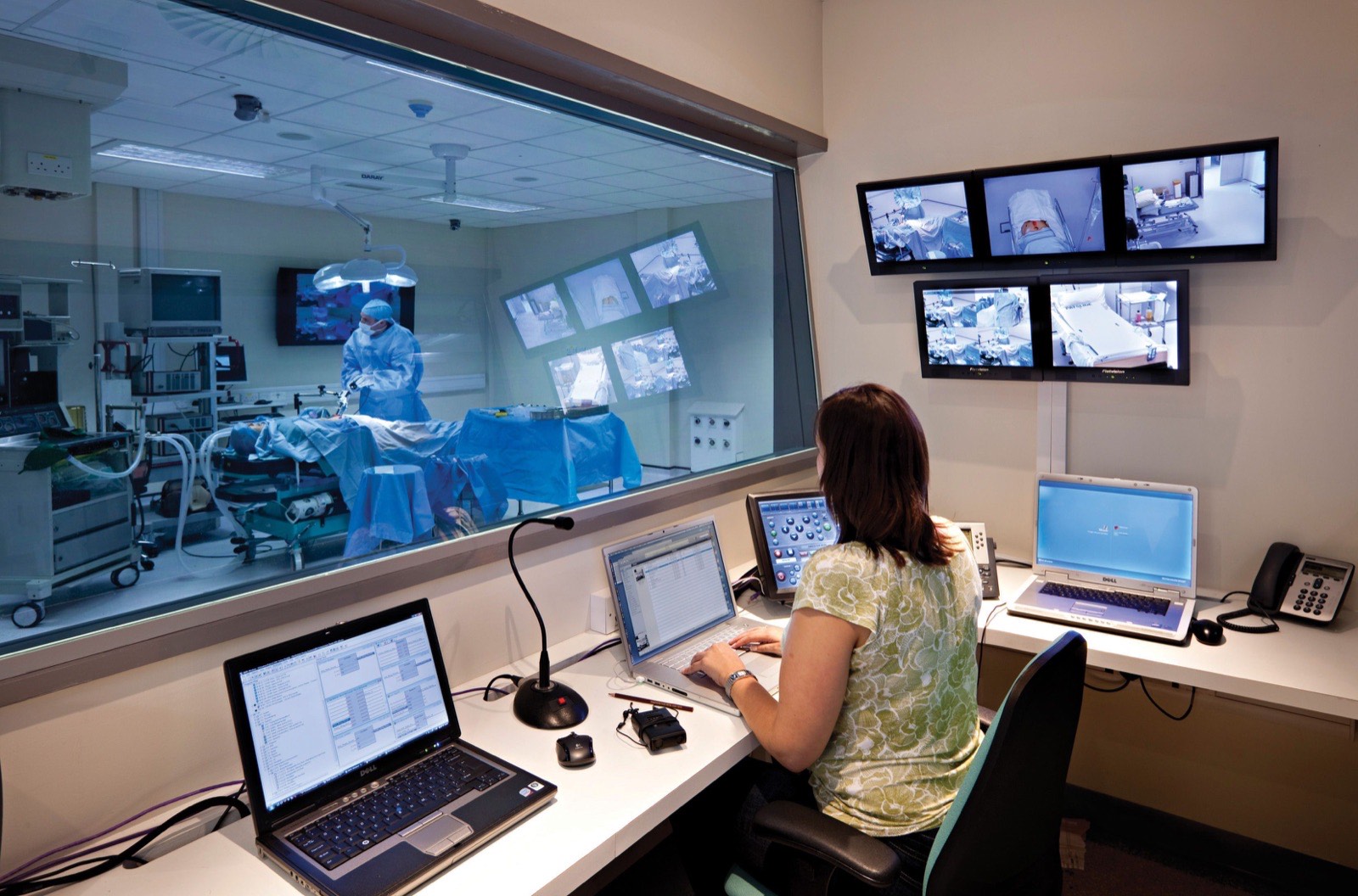
A staff member at a records workstation overlooking an operating room

FAQ

Healthcare questions

Anything else, ask us directly. Enquiries are usually answered within one working day.

Will you need access to patient records?

We request the narrowest access that allows the work to proceed, scoped to named environments and revoked at handover. Confidentiality terms are agreed in writing before any workflow detail, document sample or system diagram is shared with us.

Can this connect to the systems we already use?

Potentially, yes. Feasibility depends on the system's APIs, access model, data quality and vendor limitations. These constraints are assessed before implementation is committed.

Can we start with referral intake only?

Yes. The Opportunity Sprint assesses one important workflow before a larger automation investment. It typically takes 5 to 7 working days and tells you in writing whether the workflow is worth building.

Who approves what the automation decides?

Where an automated decision carries financial, legal or customer impact, the design keeps a named person accountable for approving it. Uncertain cases are routed to that person rather than guessed.

Tell us where intake or scheduling stalls

Explain the current workflow, the people involved, the systems used and the consequence of the problem. A complete technical specification is not required.

Discuss your project Usually answered within one working day.